Photoshop CS5 has given us a very useful feature for the removal of stars from Astrophotographs. I have been experimenting with it to remove stars for a little while and I think the results are pleasing. On this page I will detail how I go about removing stars.
The technique works very well on hydrogen alpha images due to their inherent small star size. I will use the image I took of the California Nebula to demonstrate the technique.
First of all we need to open the image in Photoshop. The original image is below. All of the full frame images can be clicked for a larger version.
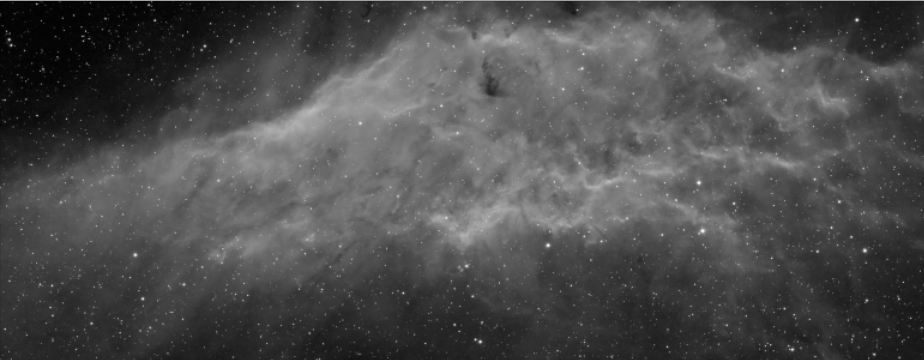
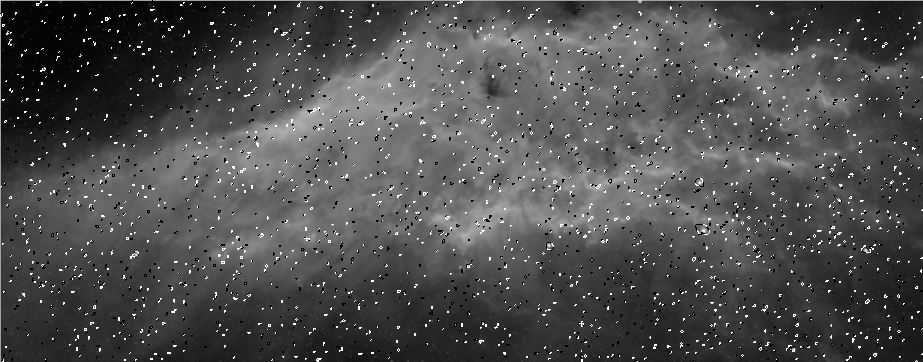
First of all we need to select as many stars as possible to be deleted. To do this we use the Color Range option under the Select drop-down menu and then select Highlights in the drop-down menu in the Color Range window (ie Select>Color Range>Highlights) then click OK.
This will select the brighter stars quite tightly so we need to expand the selection a little. To do this select Modify under the Select menu and then Expand (Select>Modify>Expand). You then need to input an appropriate pixel number based on your image scale. If it is too large you will loose detail and if too small you will have some a significant of dark disks with halos. For this image I used 4 pixels. You should then examine the image and look for large stars that may need to have the selected area expanded further using the Lasso Tool (use the shift key at the same time to add the selection).
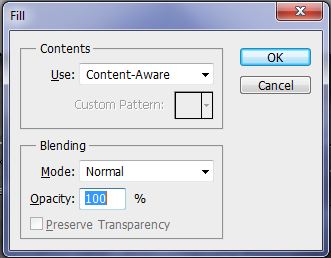
The next step is to delete the stars by hitting the delete key. You should then have the Fill window appear in which you need to select Content-Aware. Once you hit OK Photoshop does its magic and the stars are removed.
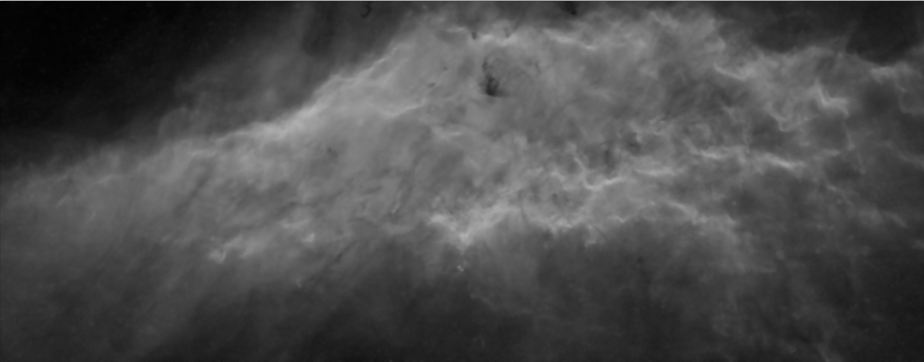
Here is the result.
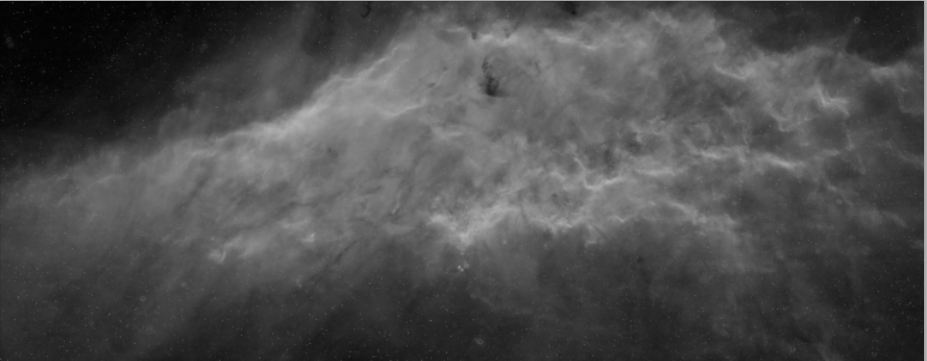
At this stage there will be dim stars left in the image and quite possibly some halos. The halos are best removed manually using the Content-Aware feature. We will then use the Dust and Scratches feature to remove the remaining stars. Here is a close up of the top left of the image showing the remaining stars and halos.
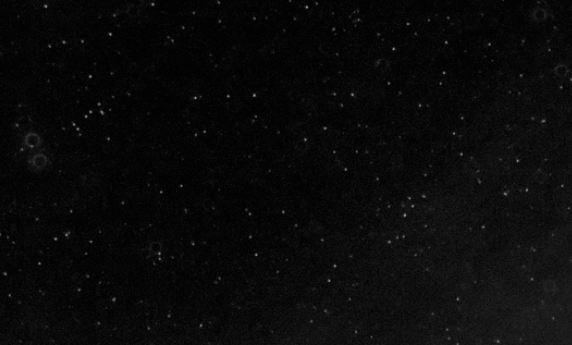
The Dust & Scratches feature is located under Filters and Noise (Filters>Noise>Dust & Scratches). You will need to experiment with the Radius and Threshold values to get the best result. It is a delicate balance between removing the stars and removing too much detail.
Here is the final result.